Some of our customers have been asking us about the deletion of bookmarks on the Cepher App.
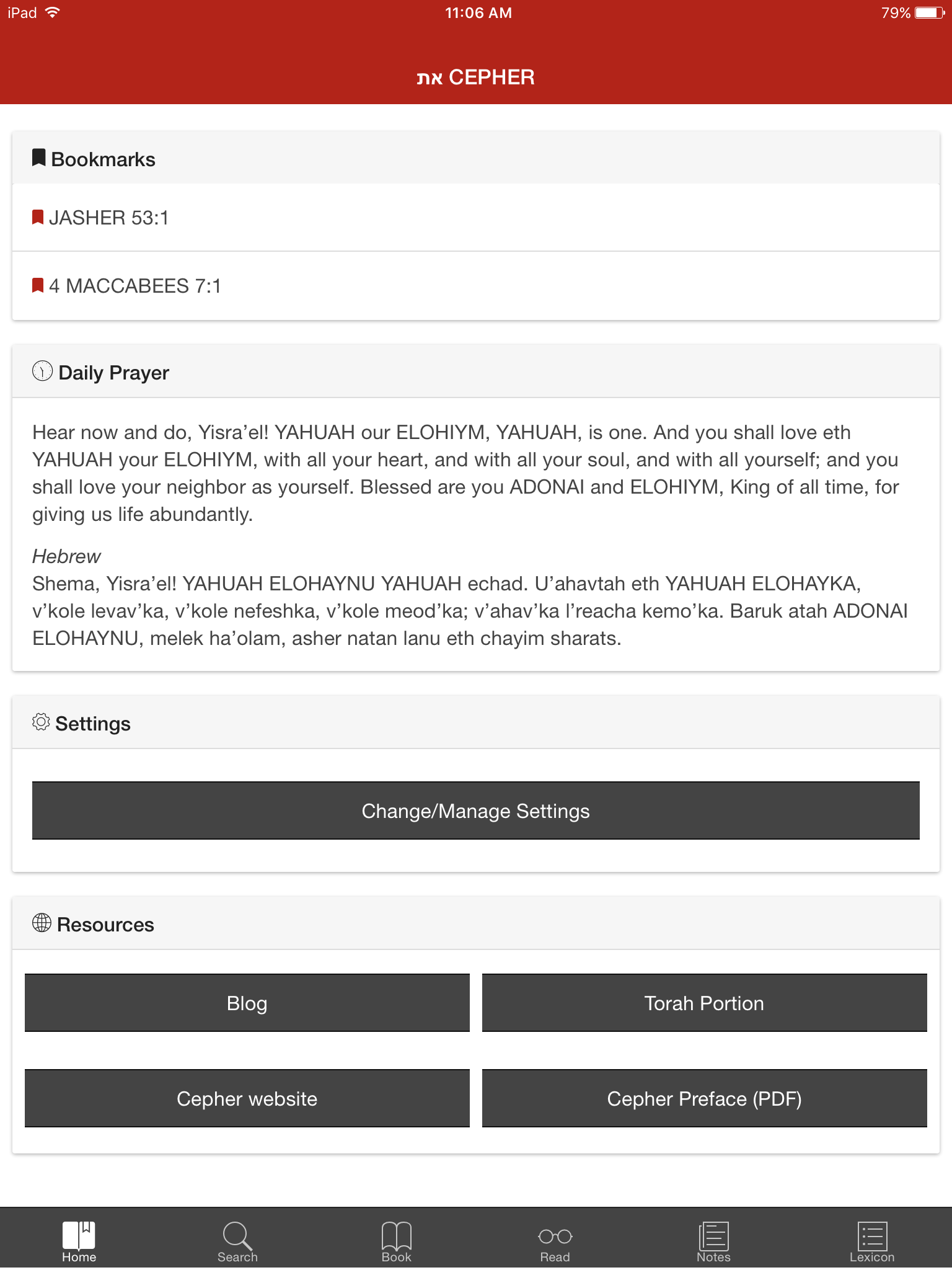
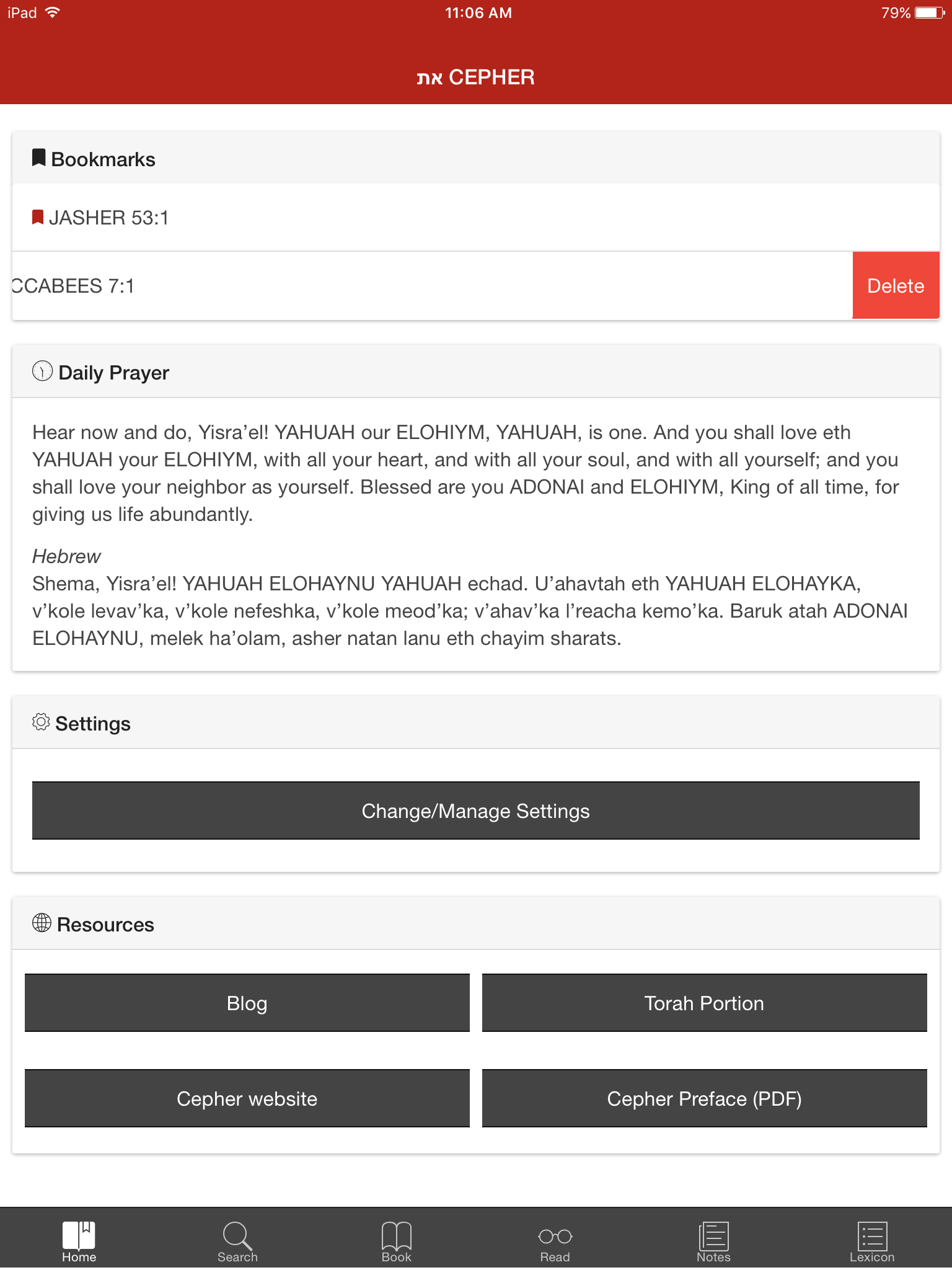
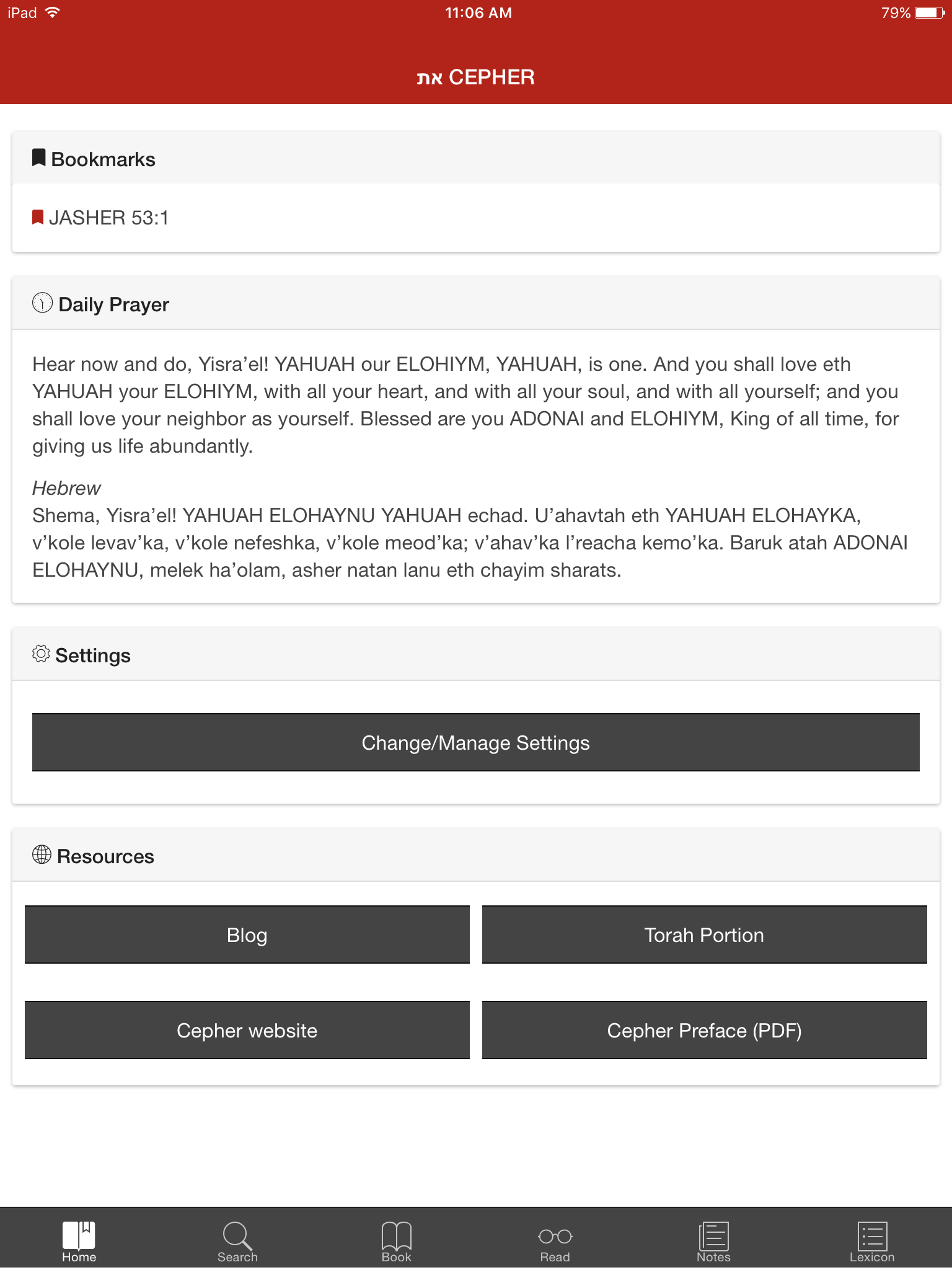
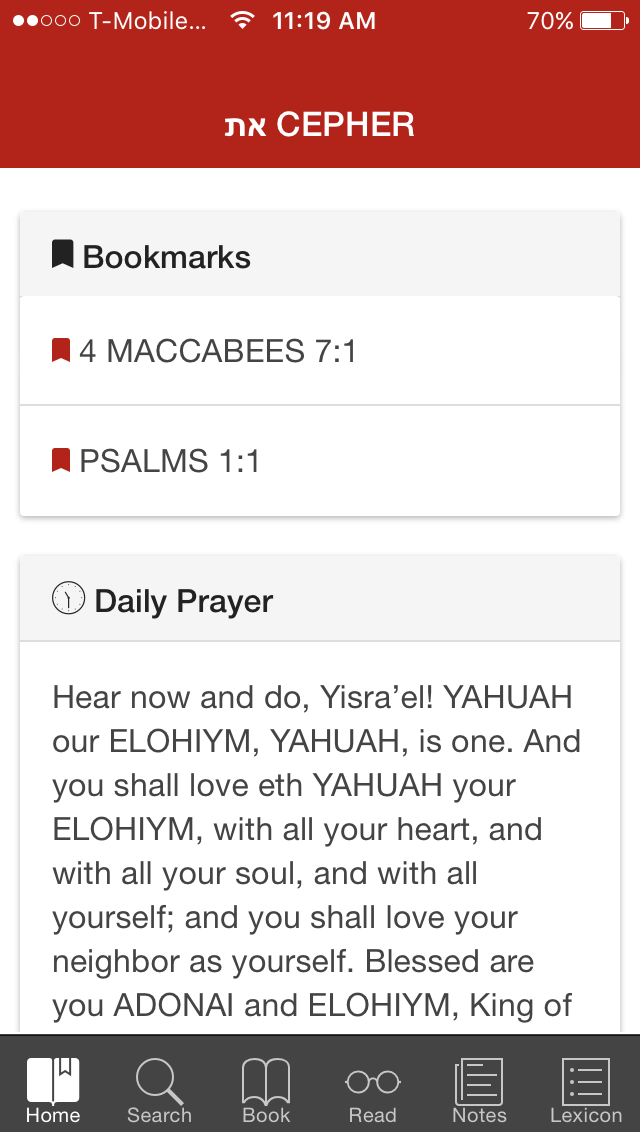
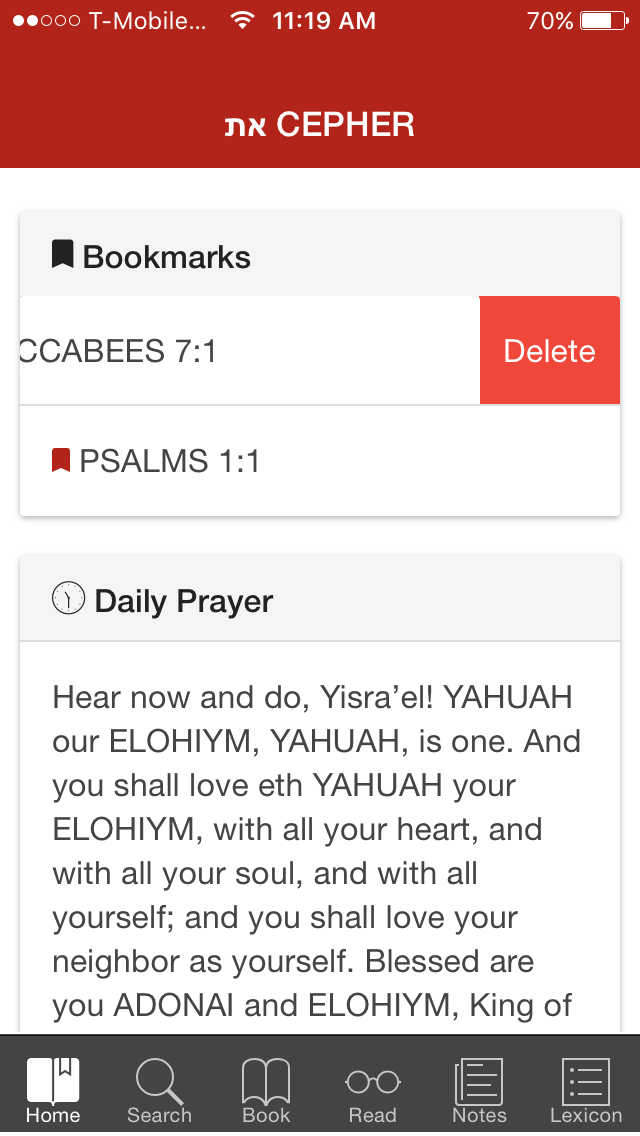
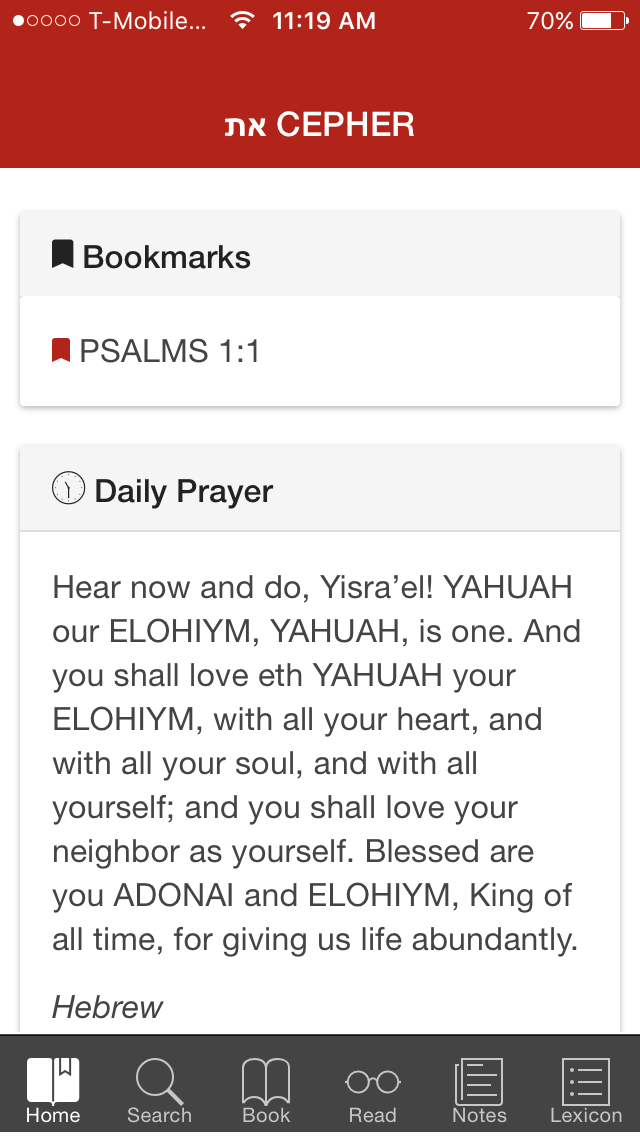
Tap on the "Home" icon on your screen. You will see a list of all your bookmarks at the top of the screen. Slide your finger to the left on the desired bookmark you want to delete and then tap on the "delete" icon in red and your bookmark will be deleted.
Images on the top are from the IPad; Images on the bottom are from the IPhone.
Remember to check out our latest blogs and products at www.cepher.net.